Event management software
Event management software for teams running complex events
Attendeum gives your team one transparent system to manage the full event lifecycle, from setup through on-site execution.
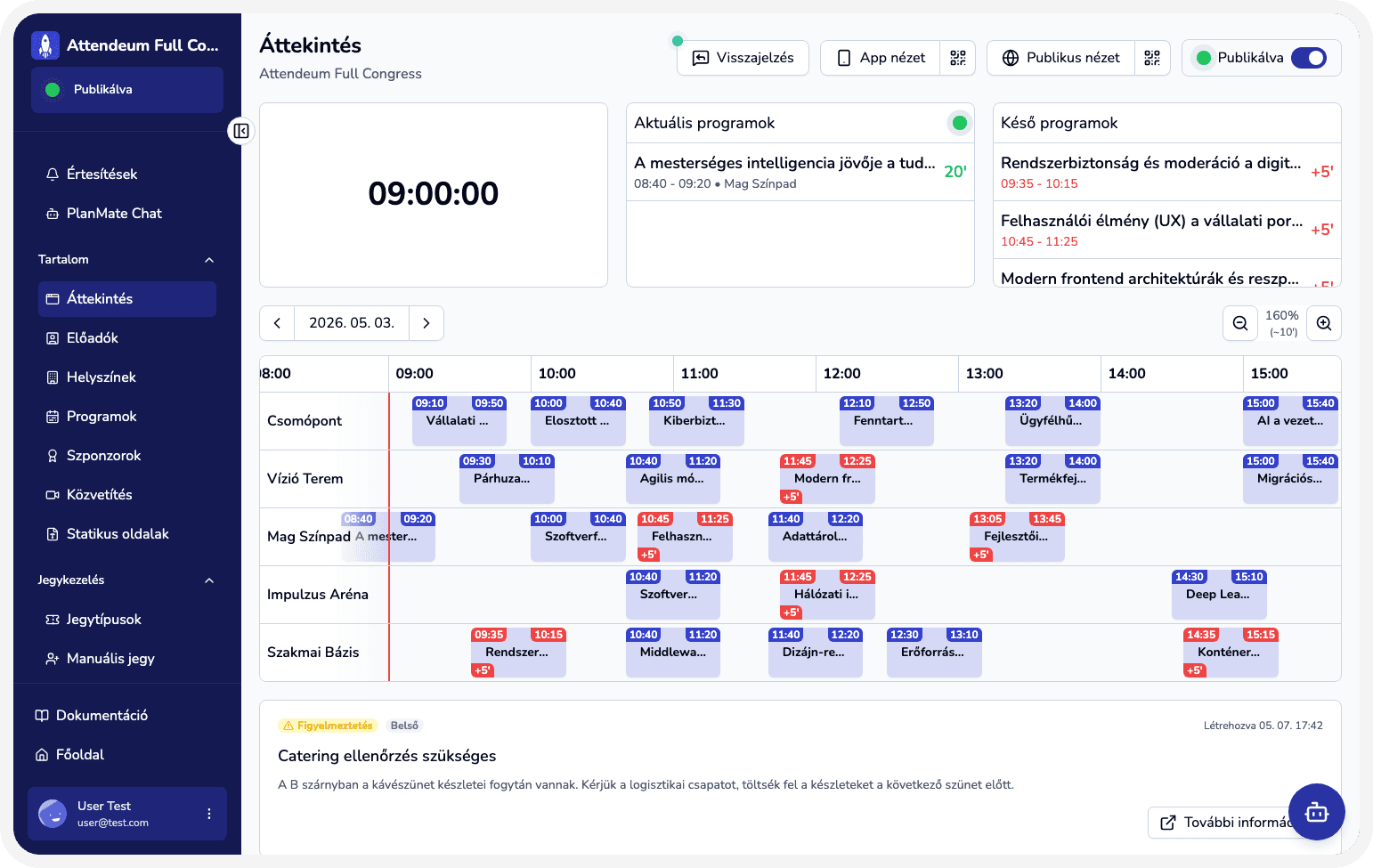
Common operating bottlenecks for event teams
Event data is scattered across disconnected tools.
Teams lose time because updates are not managed in one central place.
Operations and content teams do not work from the same live status.
Attendees receive inconsistent information across channels.
One platform for planning and execution
Unified workspace
Run operations from one source of truth
Coordinate planning, publishing, and execution in a shared workspace so every team works with the same event data.
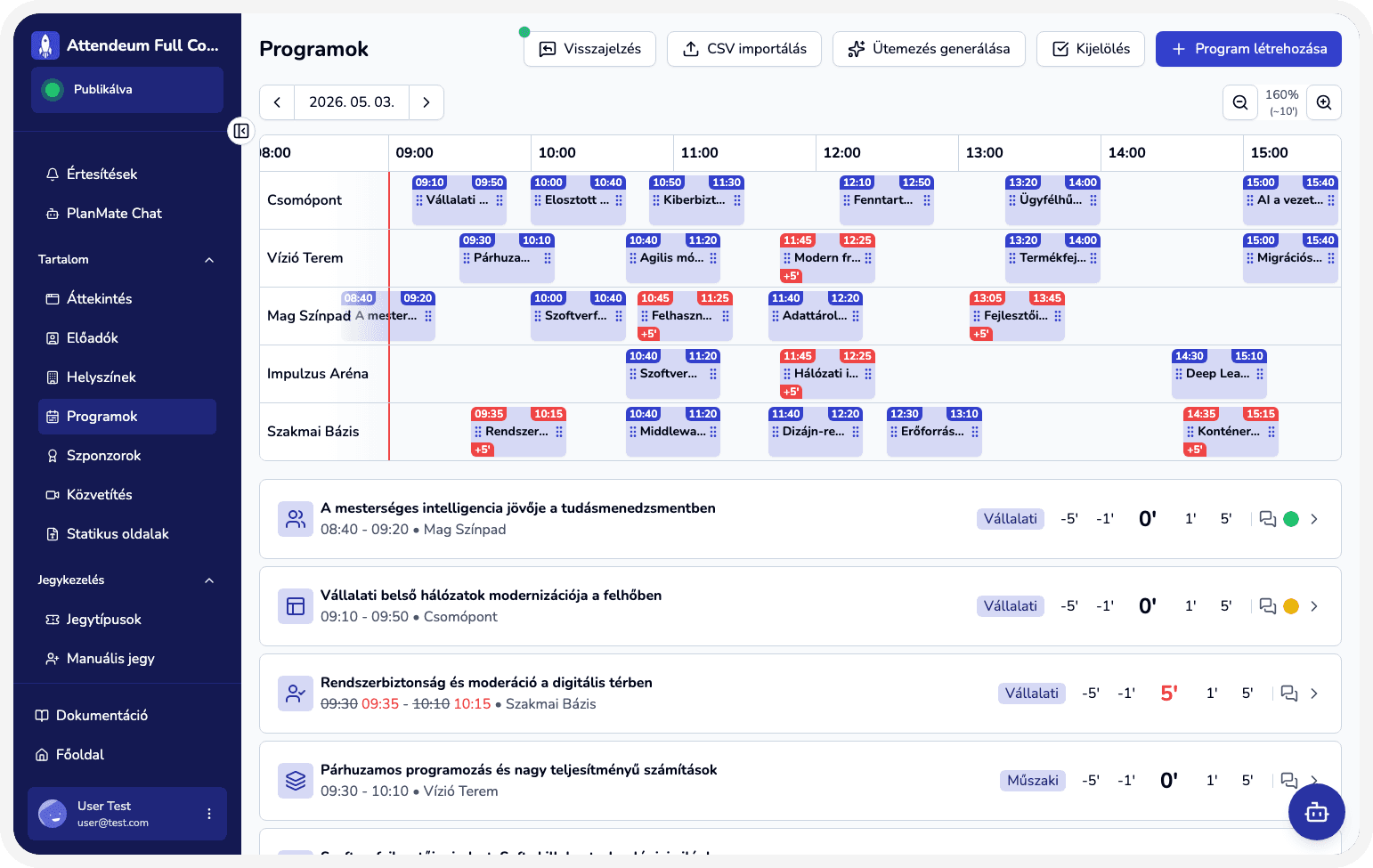
Manage event data centrally in one workspace.
Control agenda, venues, speakers, ticketing, and sponsors from one admin interface.
Publish both public and attendee-facing surfaces from the same source.
Use built-in reports, analytics, and team workflows.
Immediate outcomes your team can feel
Less manual coordination between teams.
Fewer communication errors during live event operations.
Instant updates when agenda details or other content changes.
Clearer operational visibility for organizing teams.
Built for real-world event scenarios
Manage a multi-track conference with frequent agenda updates.
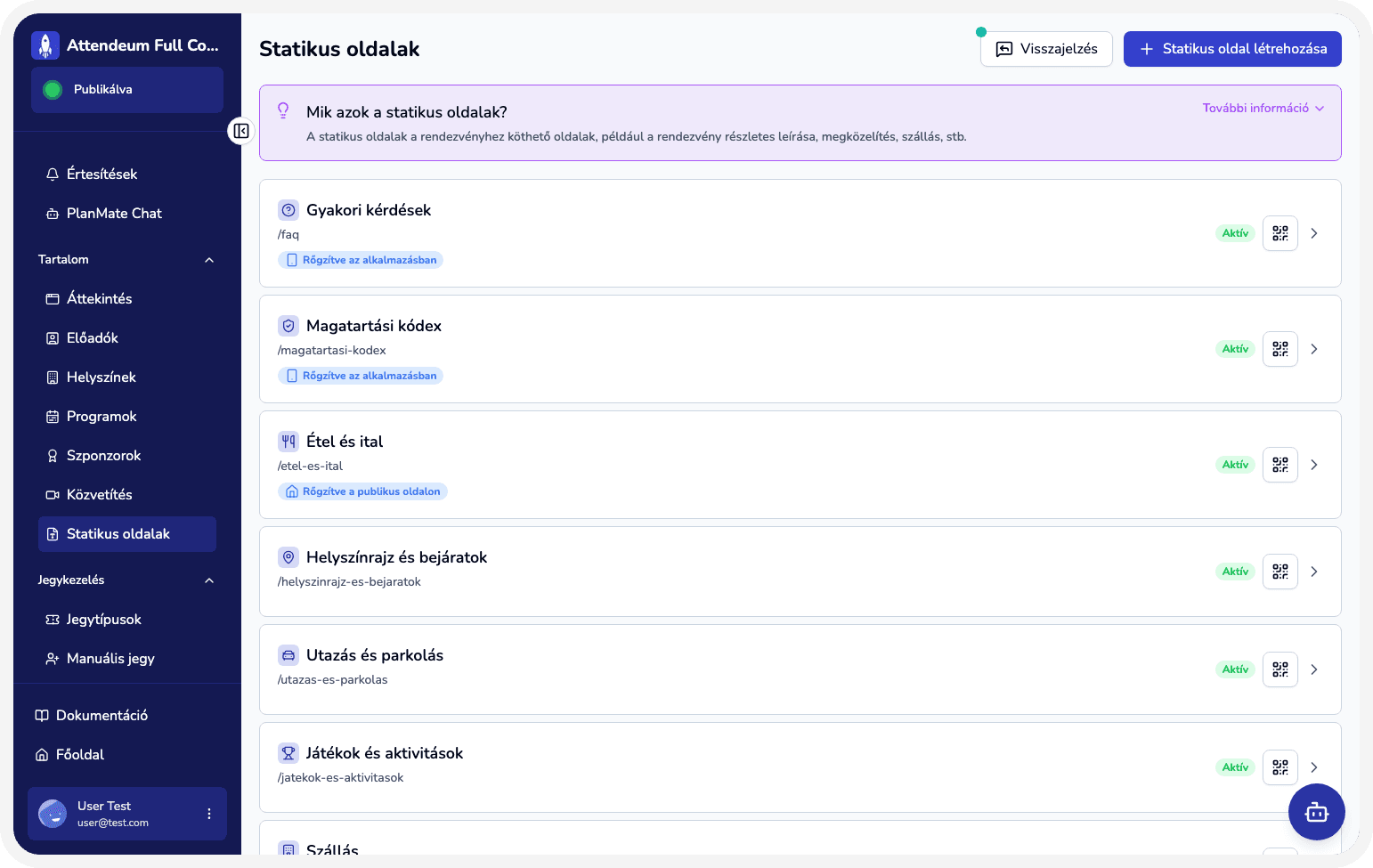
Run a corporate event where operations and content teams must collaborate continuously.
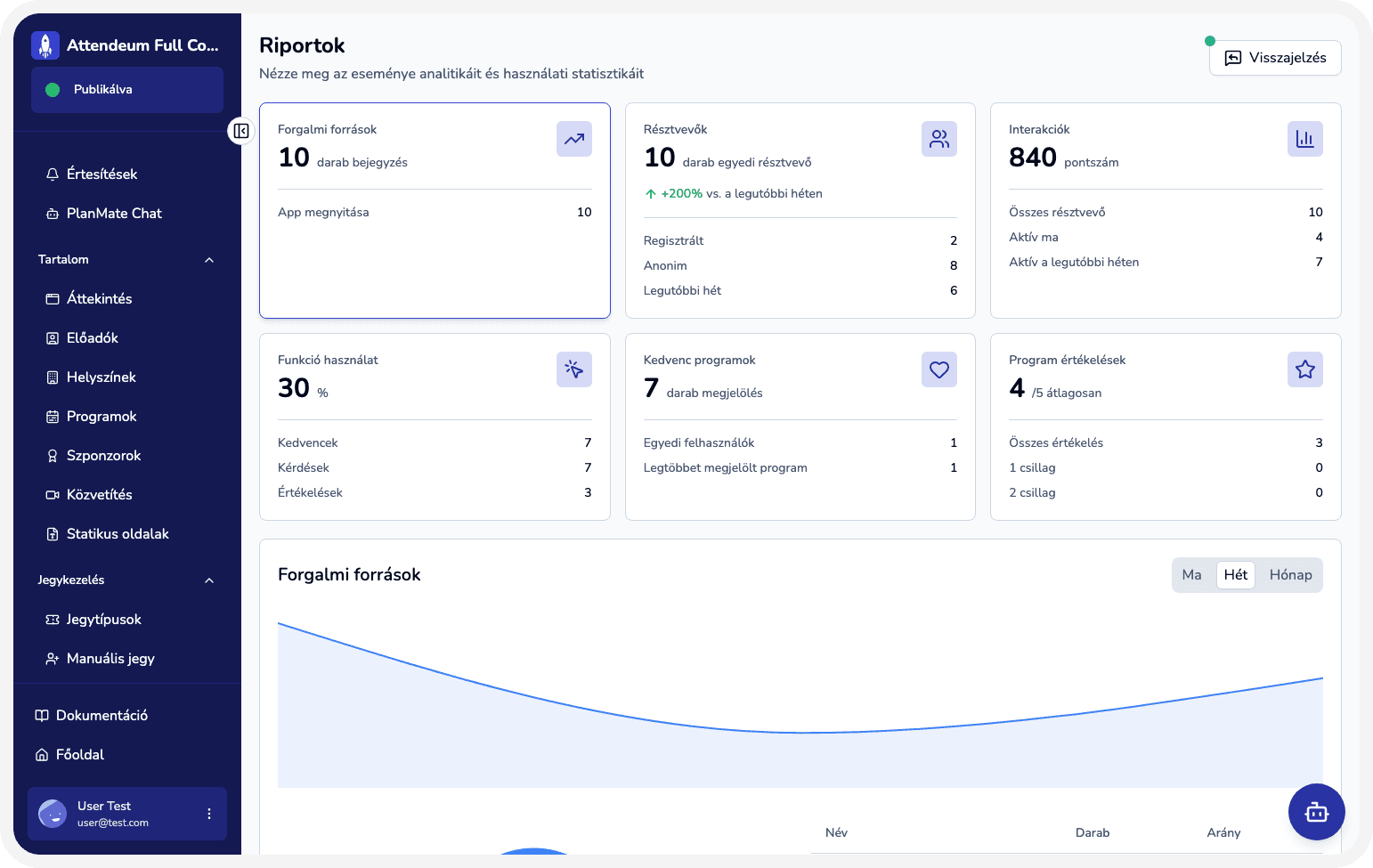
Manage ticketing, agenda planning, and attendee app delivery in one place.
Core event operations capabilities
Create events with flexible, plan-based packages.
Manage agenda details, delays, labels, and speaker roles.
Manage venues and maps.
Handle ticket sales, validation, and access control.
Coordinate announcements, team tasks, partner workflows, and analytics.
How it works in six steps
Create an event workspace in Attendeum and choose the plan that fits your event.
Upload content, configure branding and access, and tailor the web app and interaction features.
Publish event surfaces so attendees can access them.
Track usage and performance in reports and operational views.
Optimize settings based on attendee and team feedback.
Use additional Attendeum capabilities to manage the full event experience.
Create an event workspace in Attendeum and choose the plan that fits your event.
Upload content, configure branding and access, and tailor the web app and interaction features.
Publish event surfaces so attendees can access them.
Track usage and performance in reports and operational views.
Optimize settings based on attendee and team feedback.
Use additional Attendeum capabilities to manage the full event experience.
Built for some of the most important stakeholders

Event owner
Leads end-to-end event delivery with a small team and needs one transparent operating system.

Operations lead
Owns preparation timelines, scheduling, and on-site execution across many moving parts.

Team coordinator
Aligns content, logistics, and attendee communication across teams.
Ready to run your next event in one system?
Centralize planning, publishing, and execution with Attendeum.