Conference app
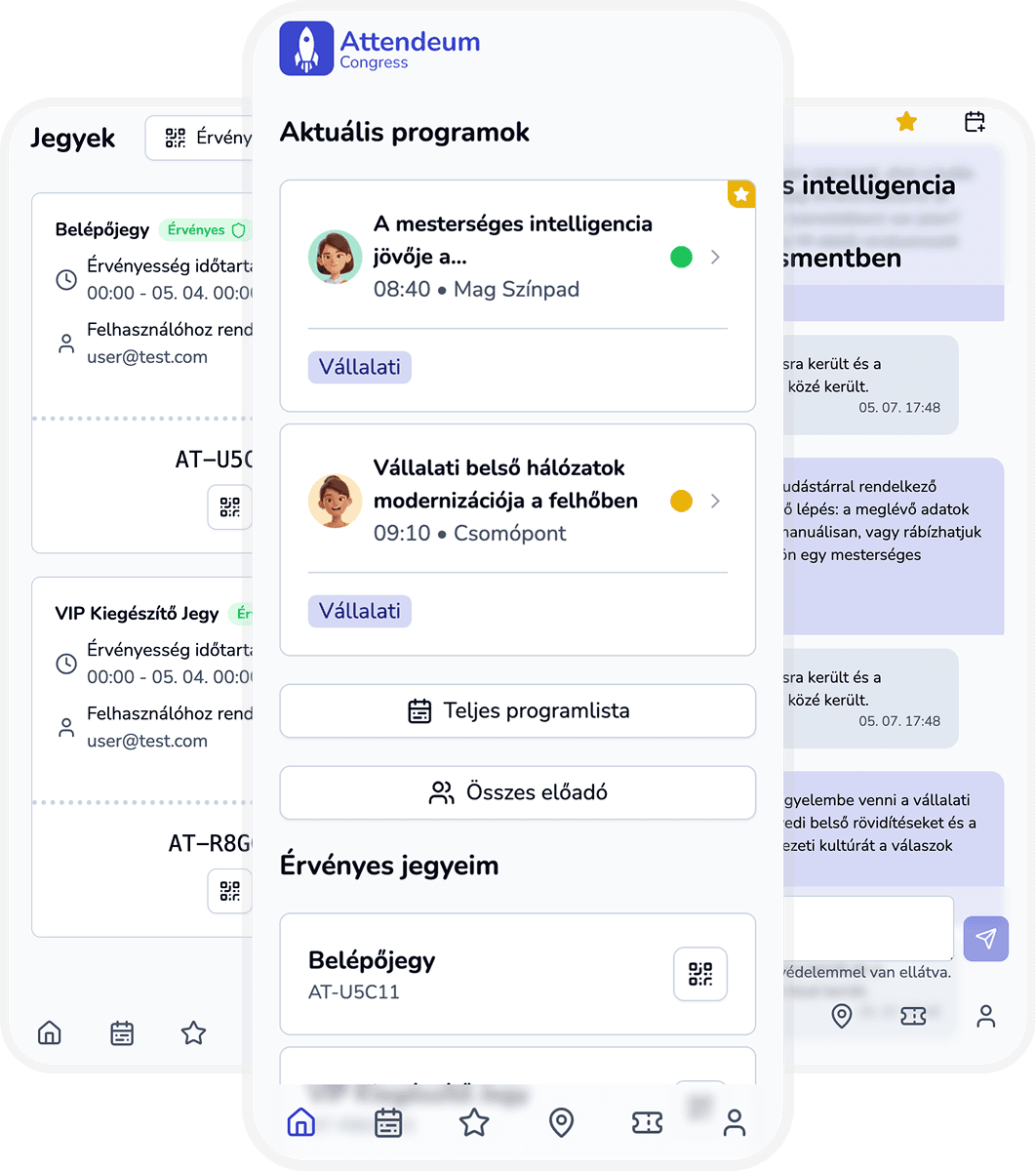
Conference app for program, tickets, maps, and updates in one place
Deliver one dedicated conference web app where attendees can access everything they need without app store friction.
Why conference communication breaks down
Attendees switch between multiple channels for event information.
Native app install friction reduces usage.
Organizers need control over what is visible and when.
Communication is fragmented without push and announcement control.
Development and app store release is time-consuming and expensive.
How one conference app fixes it
Conference app workspace
One configurable web app for every conference
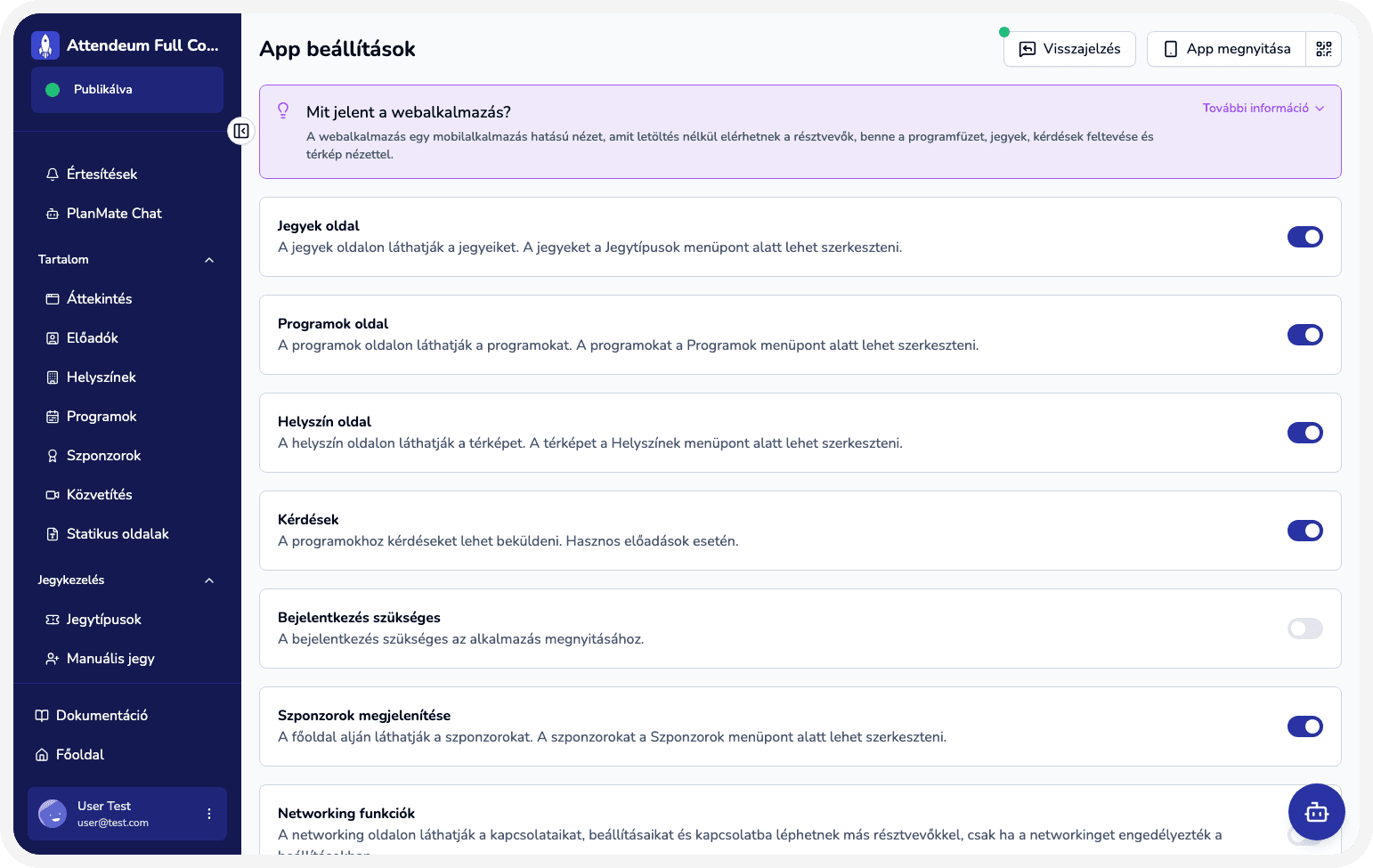
Configure content, access, and screen visibility from admin while giving attendees a seamless app-like experience in the browser.
Provide a dedicated web app for every experience.
Configure screen visibility and login rules from admin.
Surface sessions, locations, tickets, pages, and forms in one app.
Use push notifications for important updates.
Mobile application like experience without installation.
What your team gains immediately
Higher attendee adoption with low setup friction.
Clear and consistent attendee communication.
Faster content updates across the app.
Better attendee experience with fewer support questions.
No development or app store release required: your branded web application is ready to use from day one.
Where this app delivers the most value
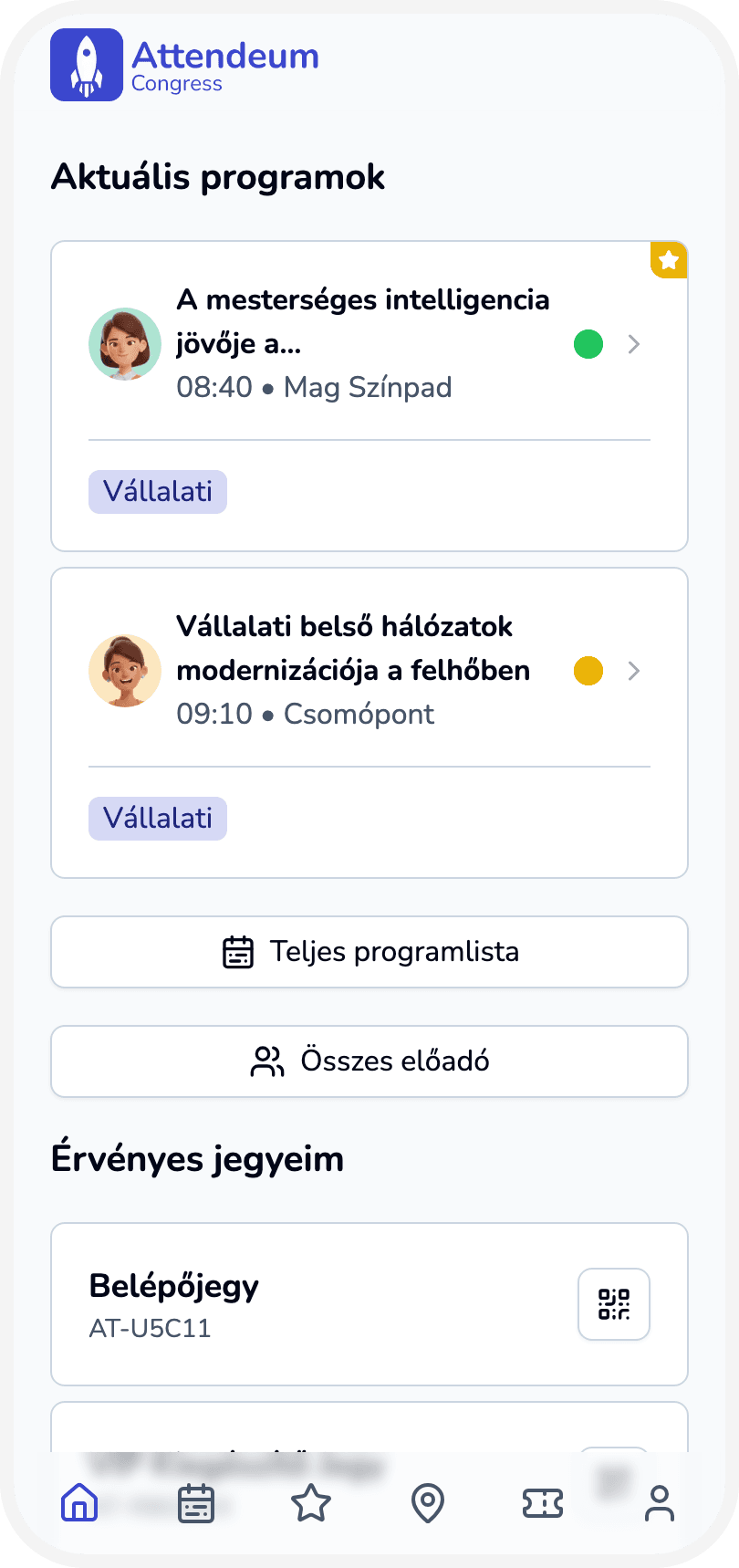
Launch a conference app quickly without app store release.
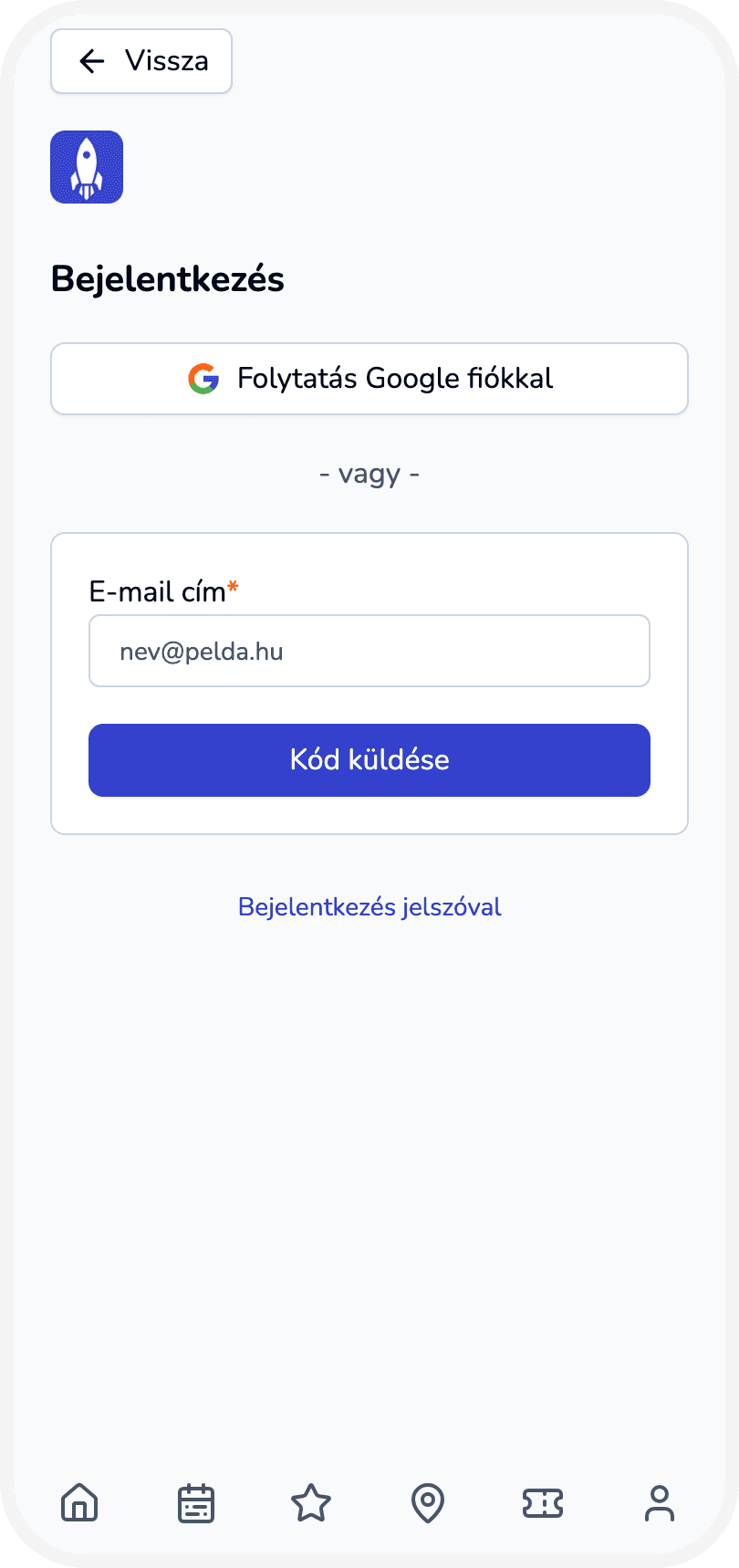
Require login only for selected events.
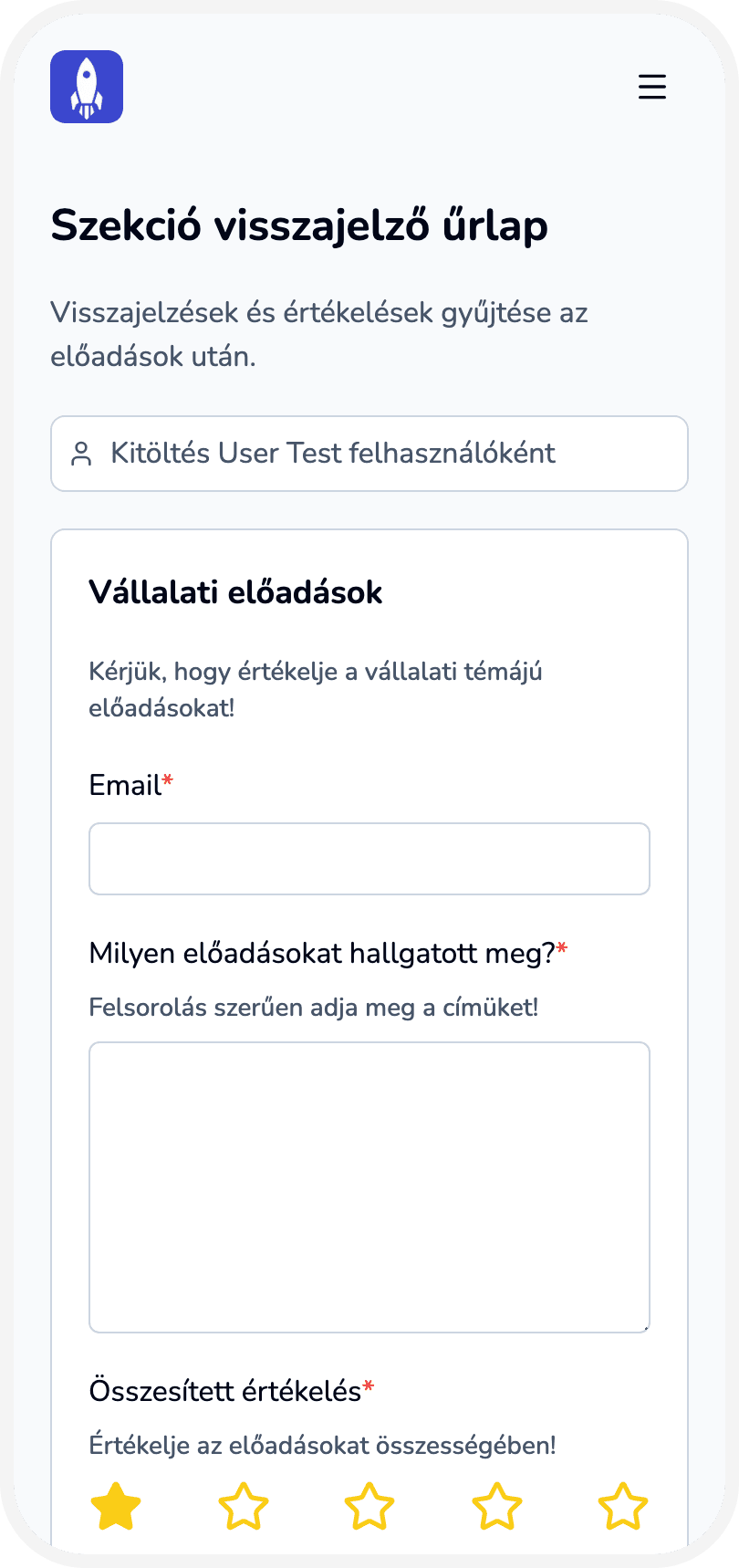
Pin key info pages and forms on app home.
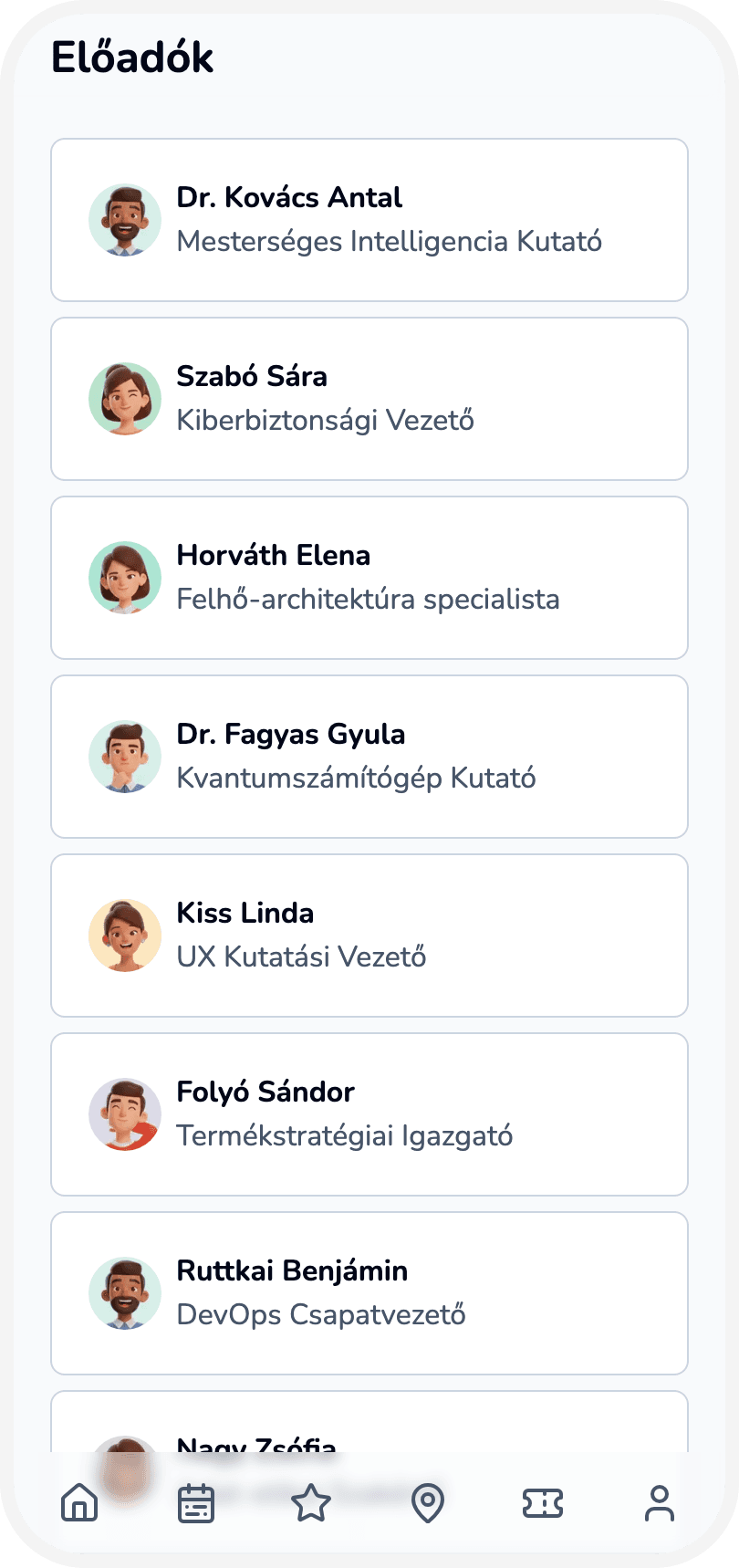
Organize content in a logical order and hierarchy, in one app.
Capabilities powering your conference app
Progressive web application with add-to-home-screen capabilities.
Config toggles for tickets, questions, networking, and more.
Own logo and branding support.
Push notifications and announcement visibility control.
Access control of attendees.
From setup to live optimization
Create an experience in Attendeum and choose the plan for your event.
Configure content, screens, branding and features for the web application in the admin workspace.
Publish the experience so attendees can access it.
Share the web application with your audience via a link or QR code.
Observe usage and performance in reports and operational views.
Optimize settings based on attendee behavior and team feedback.
Use other Attendeum features to manage the full event experience.
Create an experience in Attendeum and choose the plan for your event.
Configure content, screens, branding and features for the web application in the admin workspace.
Publish the experience so attendees can access it.
Share the web application with your audience via a link or QR code.
Observe usage and performance in reports and operational views.
Optimize settings based on attendee behavior and team feedback.
Use other Attendeum features to manage the full event experience.
Who drives conference app success

Event owner
Wants one simple attendee experience across all content.

Communications lead
Publishes updates and keeps attendees informed.

Operations lead
Controls what is visible and when in the app.
Ready to launch a conference app attendees actually use?
Contact sales and see how Attendeum gives attendees one place for your full event experience.