Event access control system that keeps queues short and gates secure
Validate every ticket at the door, restrict entry by day or session, and see who has arrived in real time — in the same platform that sells the tickets.
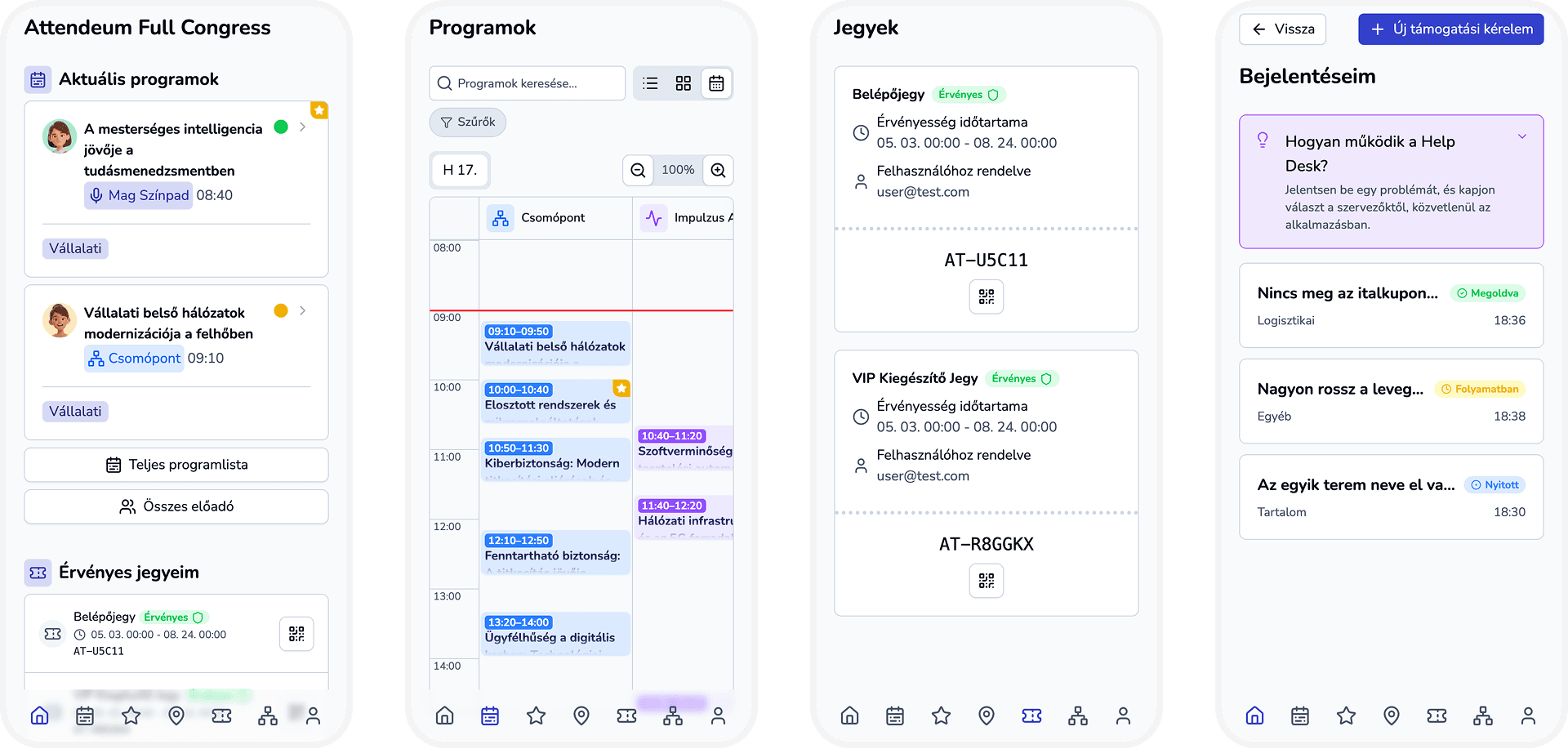
Why entry day goes wrong
Long queues at the gate
Manual list checks and paper printouts slow every guest down and frustrate arriving attendees.
Shared or duplicated tickets
Without a single source of truth, the same ticket can be forwarded and used more than once.
Disconnected tools
Ticket sales, guest lists and door scanning live in different systems that never quite match.
No clear access rules
Day passes, workshop tickets and multi-entry passes are hard to enforce with a simple guest list.
No live picture of arrivals
Organizers find out how many people showed up only after the event is over.
One system from ticket to turnstile
Access control — Every ticket checked against the same source of truth — Attendeum validates tickets against the event's own ticket data, so a scan at the door instantly shows whether a ticket is valid, already used, expired or unknown.
Instant ticket validation
Scan the QR code and get a clear result: valid, already used, expired, not found or denied.
Rules per ticket type
Set validity windows and how many times a ticket can be used.
Session-level access
Link ticket types to specific sessions so workshop seats stay with the right ticket holders.
Usage history
Every successful entry is recorded with a timestamp, so you can see when a ticket was used.
Built for real entrances
Staff scanning
Your team validates tickets at the door from a phone or tablet browser.
Attendee self-scan stations
For session or station entry, attendees can scan a station QR code themselves.
Multi-entry and recurring tickets
Allow a ticket to be used several times, or create daily recurring passes for multi-day events.
Named tickets
Assign tickets to attendees by email so each pass is tied to a real person.
Ticket sales included
Sell tickets and control entry in one platform, with no export and re-import between tools.
Badge printing at check-in
Scan a ticket and print a 50 x 30 mm name badge with a QR code on the spot, via Niimbot B1 or any system printer.
From setup to open doors
- 1
Create ticket types
Define price, validity window and how many times each ticket can be used.
- 2
Sell and assign tickets
Attendees receive tickets with a unique QR code, optionally assigned by email.
- 3
Scan at the entrance
Staff scan each QR code and see the result immediately.
- 4
Print the badge
After the scan, print the attendee's name badge from the badge printer panel.
- 5
Review entries
Check usage timestamps and ticket status after the doors close.
Made for teams that run the door
Conference organizers
Manage multi-day passes and workshop access without separate guest lists.
Corporate event teams
Keep internal and external guests in one controlled entry flow.
Festival and expo operators
Handle recurring day tickets and re-entry rules at larger venues.
Event access control questions
What is an event access control system?
It is software that checks whether a person is allowed to enter an event, typically by validating a ticket or QR code at the door and recording the entry.
Can one ticket be used more than once?
Yes. Each ticket type has its own usage limit and validity period, so you can allow a single entry, multiple entries or recurring daily passes.
Can I restrict entry to specific sessions?
Yes. Ticket types can be linked to sessions, so only the right ticket holders are admitted to a workshop or limited-capacity session.
Do my staff need to install an app?
No. Attendeum runs in the browser, so your team can validate tickets from a phone or tablet without installing anything.
What happens when someone scans a ticket twice?
The second scan returns an 'already used' result instead of a valid entry, unless the ticket type allows multiple uses.
Can I print name badges at check-in?
Yes. Connect a Niimbot B1 over Bluetooth or USB, or use system printing, in the badge printer panel on the ticket scanning page. After each scan of a ticket with an owner you can print a 50 x 30 mm label with the name and a QR code. Bulk label printing is also available from the People list.
Open your doors with confidence
Tell us about your event and we will show you how Attendeum handles tickets and entry control end to end.