One event platform for organizers and attendees
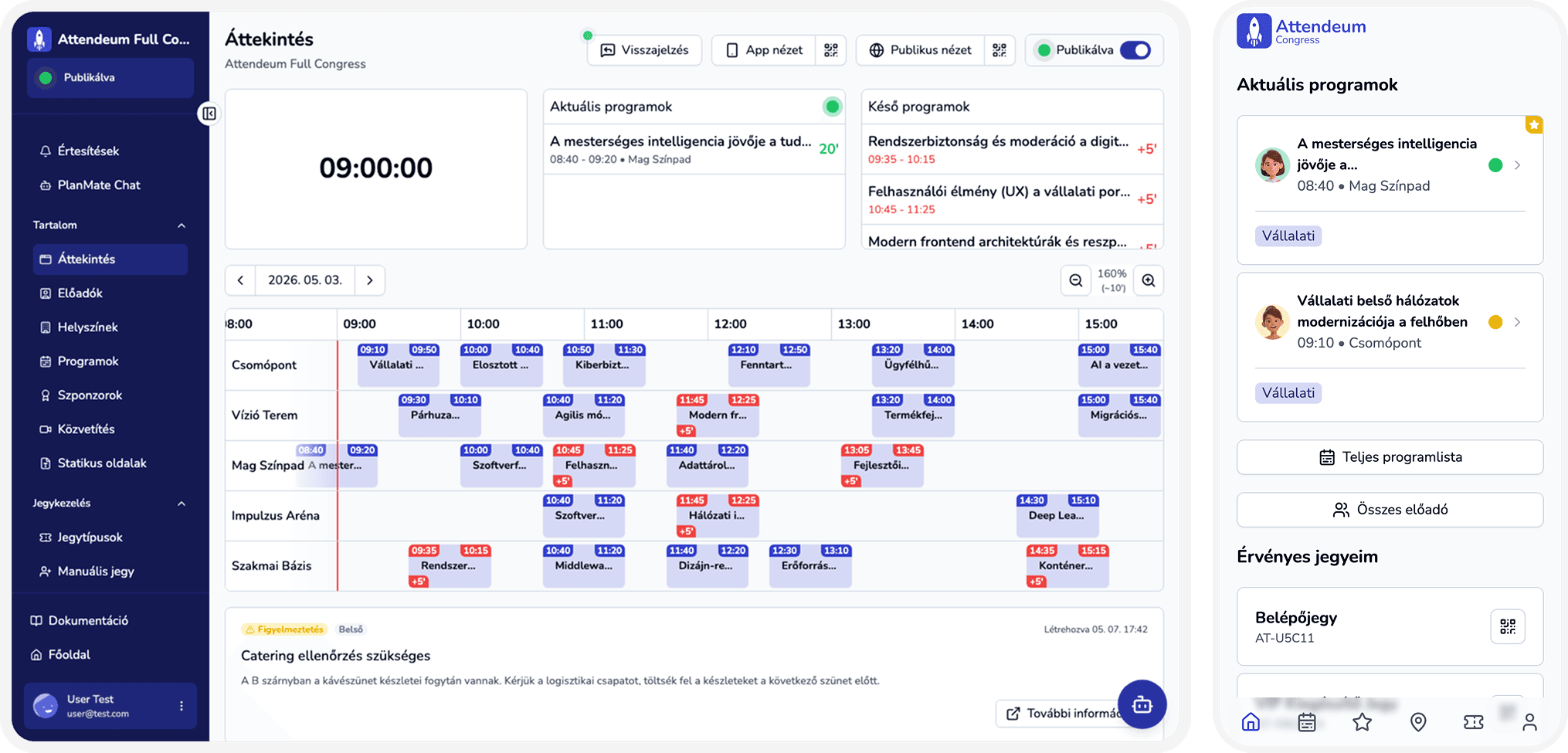
Every module reads and writes the same event workspace — no separate logins, exports, or tools to reconcile after the event.
Why event stacks fall apart
Scattered tools
Tickets, agenda, streaming, and Q&A live in different systems that never share one attendee list.
Passive attendees
Without a shared app, attendees stay on paper agendas instead of asking questions, saving sessions, or connecting.
Coordination chaos
Spreadsheets and email threads become the real operating system — and break under last-minute changes.
Time and cost lost
Every extra subscription and integration is another login, another export, and another point of failure.
One platform, two sides
For attendees
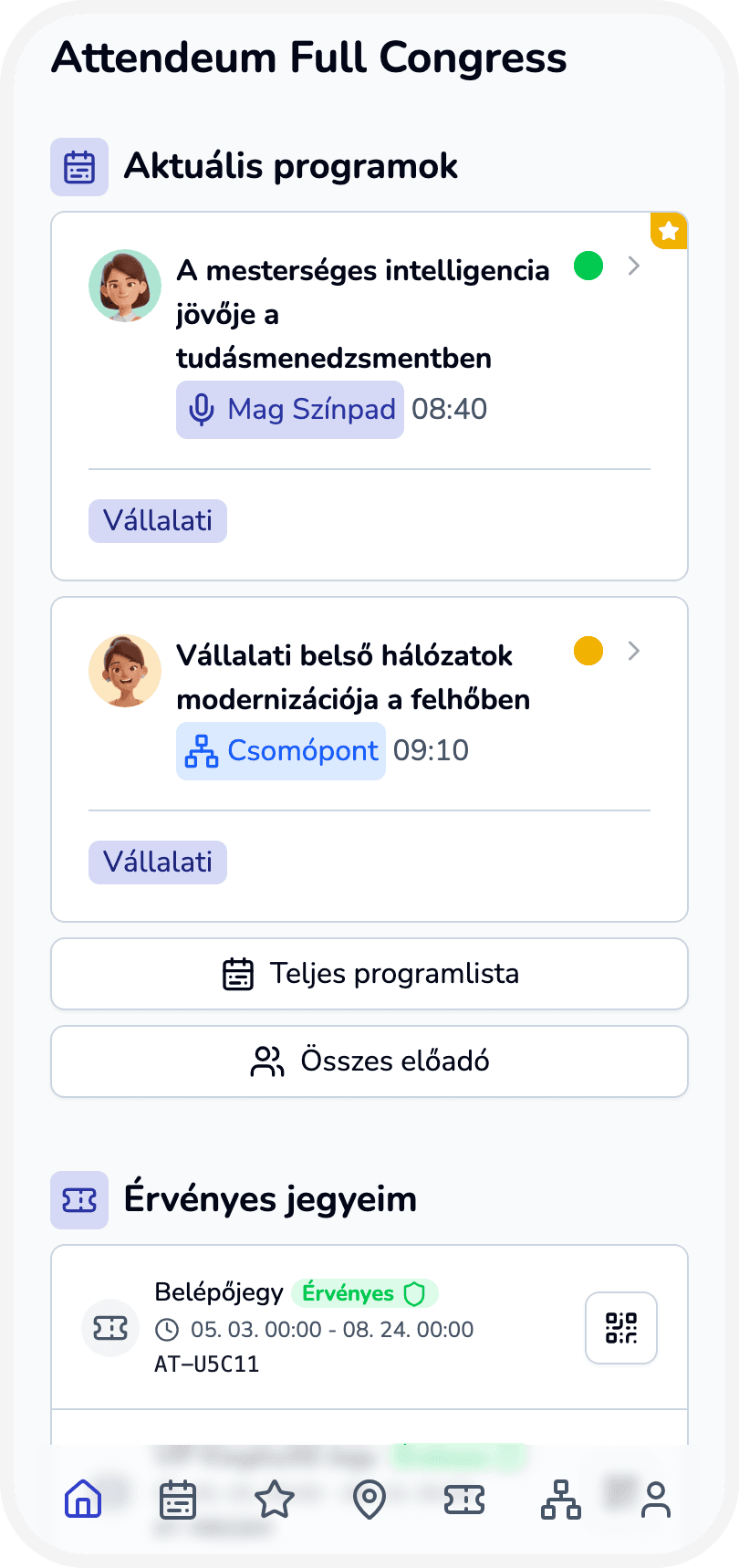
An installable PWA — no app store — with agenda, favorites, Q&A, and networking in the browser.
For organizers
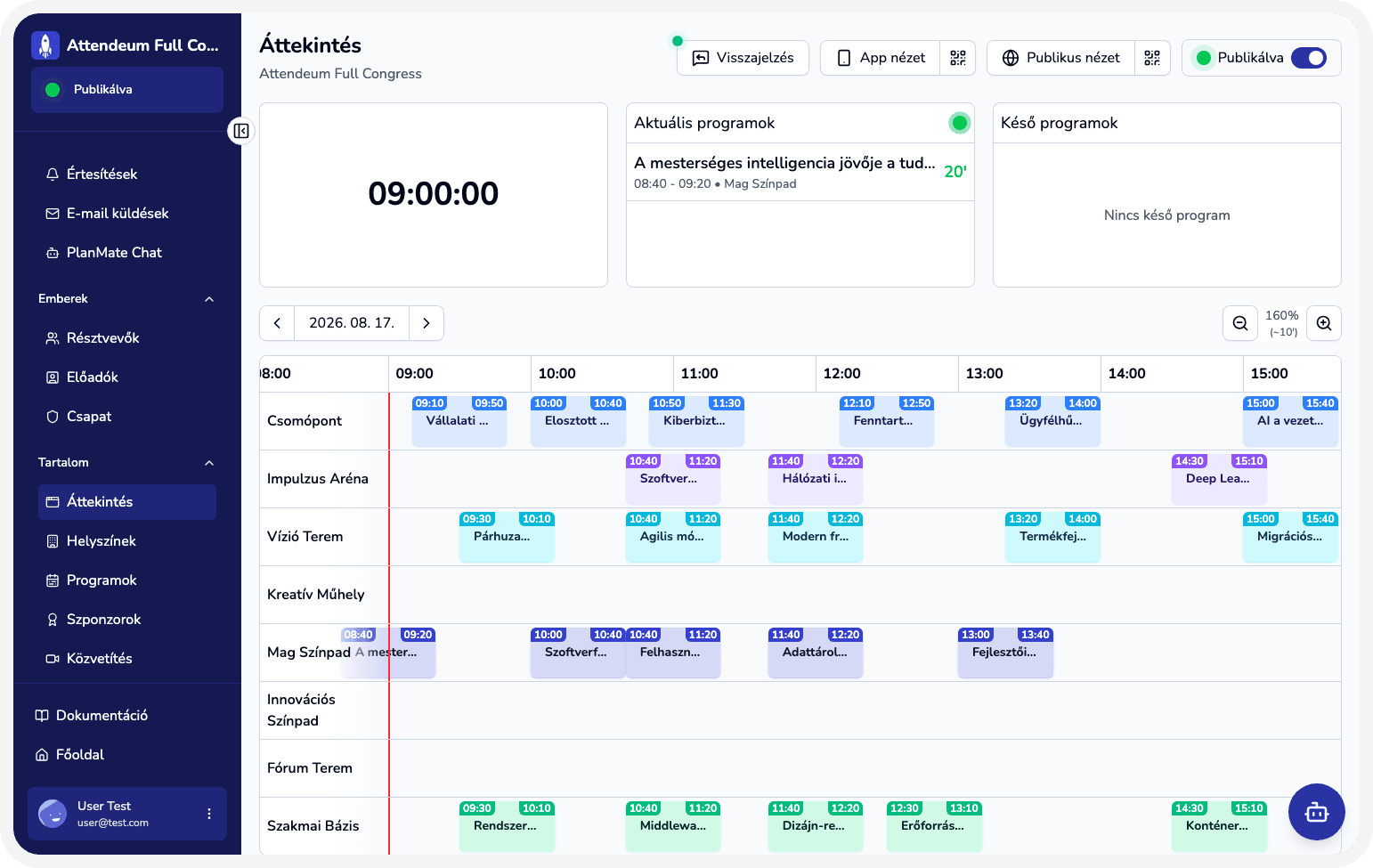
One admin workspace for tickets, venues, sessions, sponsors, and live operations.
The same event data powers both sides — so a schedule change, a ticket scan, or a moderated question stays in sync for everyone.
Four pillars of the platform
Modules group into how you run an event — streaming lives inside the attendee experience as hybrid and live delivery.
Content management
Build and update agenda, speakers, venues, tickets, sponsors, and pages in one workspace — changes publish to the attendee app without re-exporting.
Attendee experience
A no-download PWA for agenda, tickets, favorites, and networking — plus live streaming for hybrid and remote audiences on the same event surface.
Organizer–attendee communication
Announcements, targeted messages, live Q&A, and moderation keep organizers and attendees in the same channel before and during the event.
Reporting & feedback
Across the full lifecycle: pre-event registration and prep signals, mid-event check-in, ratings and Q&A activity, and post-event reports for leadership and sponsors.
Nine functions, one workspace
Registration & ticketing
Online registration, flexible ticket types, and QR check-in against one attendee list.
Learn moreAgenda & multi-track scheduling
Publish multi-track programs that update in the attendee app the moment your team edits them.
Learn moreAttendee web app
Agenda, tickets, Q&A, and directory in a browser-based app — nothing to install from a store.
Learn moreNetworking & 1:1 meetings
Searchable directory, connection requests, and meeting booking with conflict checks.
Learn moreSponsor & exhibitor management
Track partners from first contact to signed offer in a shared pipeline.
Learn moreStreaming & hybrid events
Broadcast sessions to remote attendees alongside the in-person program.
Learn moreSegmentation & communications
Target announcements with rule-based segments or curated groups instead of blasting everyone.
Learn moreReporting & feedback
Pre-, mid-, and post-event signals — registration, check-in, ratings, Q&A — in one shareable report.
Learn moreTeam administration
Role-based access so organizers, editors, and check-in staff see only what they need.
Learn more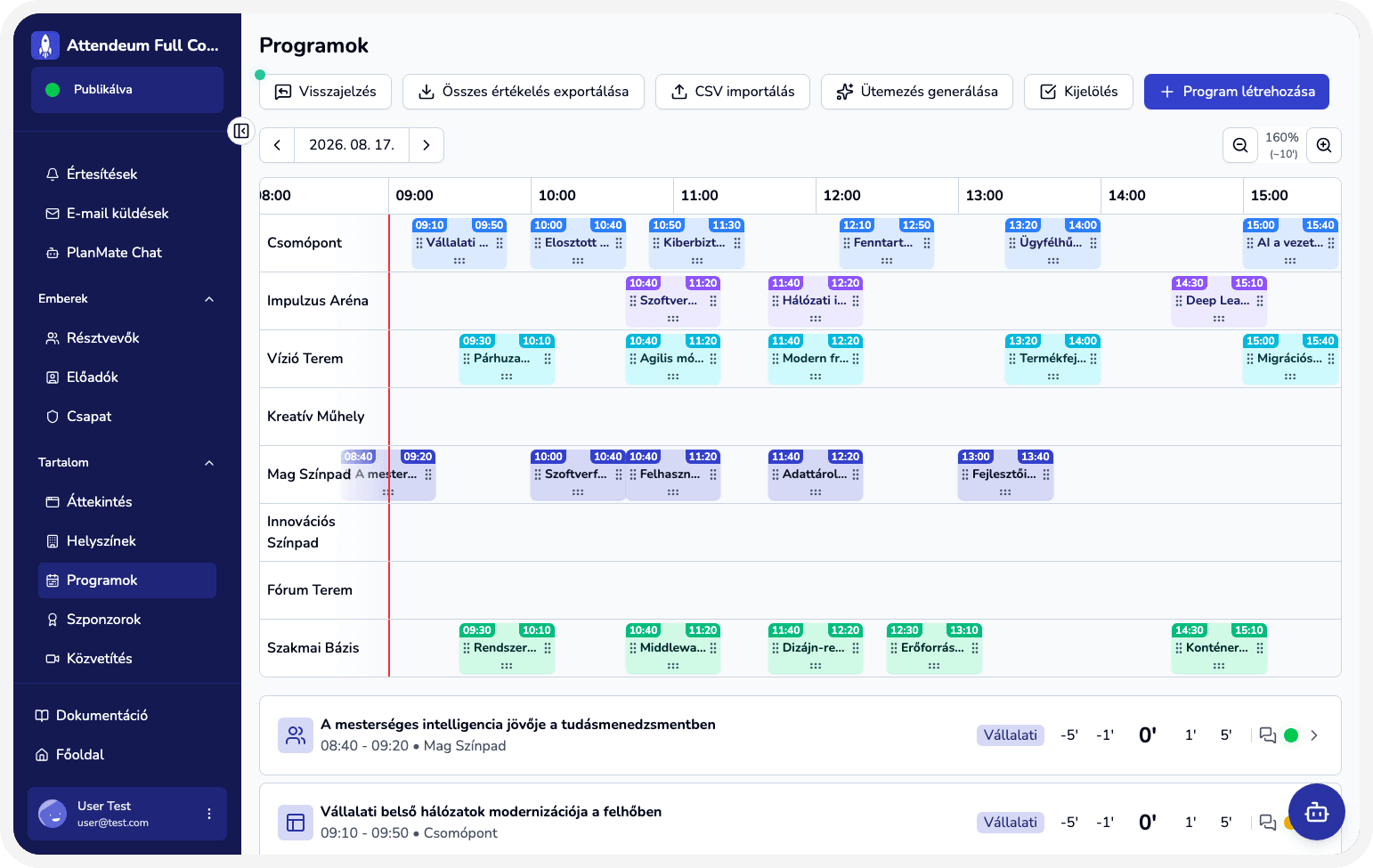
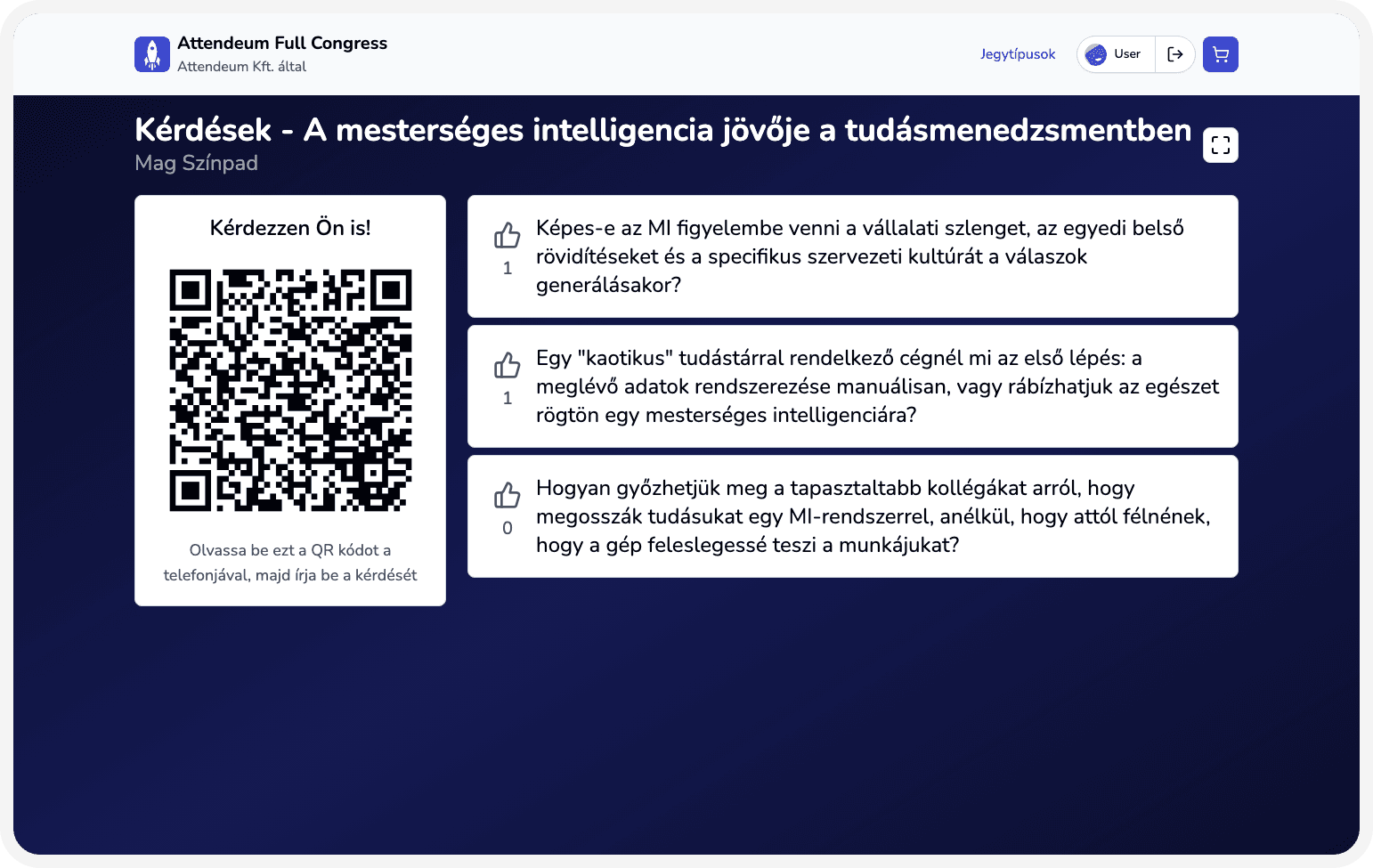
From empty workspace to live event
- 1
Create your event
Basic details, date, and venue — your workspace is ready in minutes.
- 2
Configure modules
Add ticket types, agenda tracks, venues, and the attendee app surfaces you need.
- 3
Invite attendees
Sell tickets, send forms, or import existing lists with CSV.
- 4
Run with live ops
Check-in, Q&A moderation, streaming, and announcements from one dashboard.
Reliability and support you can plan around
Core platform reliability is included; advanced support and hands-on setup are available as paid add-ons.
99.9% uptime
The platform is built for live event days — when registration, check-in, and streams cannot wait.
Fast support response
Standard support keeps response times low so operational questions do not pile up before or during your event.
Advanced support hotline
Paid priority support with a dedicated hotline and immediate response when your event is live.
Setup service
Paid hands-on setup and onboarding — we help configure your workspace, content, and go-live checklist.
Frequently asked questions
What is the Attendeum product?
Attendeum is an all-in-one event platform: organizer admin plus an installable attendee web app covering registration, agenda, Q&A, streaming, networking, and reporting.
Do attendees need to download an app?
No. The attendee experience runs as a PWA — installable from the browser on phone or desktop, with no app-store step.
Can I use only some modules?
Yes. Start with the modules your event needs; they still share one workspace and one attendee list when you expand later.
How is pricing structured?
Pricing is event-based, starting from HUF 99,000 net per event. Streaming and priority support are available as add-ons.
Who Attendeum is built for
Event organizers
Teams that need one operating system for planning, publishing, and on-site execution.
Conference producers
Multi-track programs that need a no-download attendee app, live Q&A, and hybrid streaming.
Associations & corporates
Recurring events that need shared data, role-based staff access, and post-event reporting.
Related pages
Ready to organize with less friction?
Let's talk for 20 minutes about what you'd need — and how you could set it up today.