Conference venue map app: program and room on one link
Attendees see what is on and which room it is in from one link. Floor plans and the agenda open in the browser, with no download.
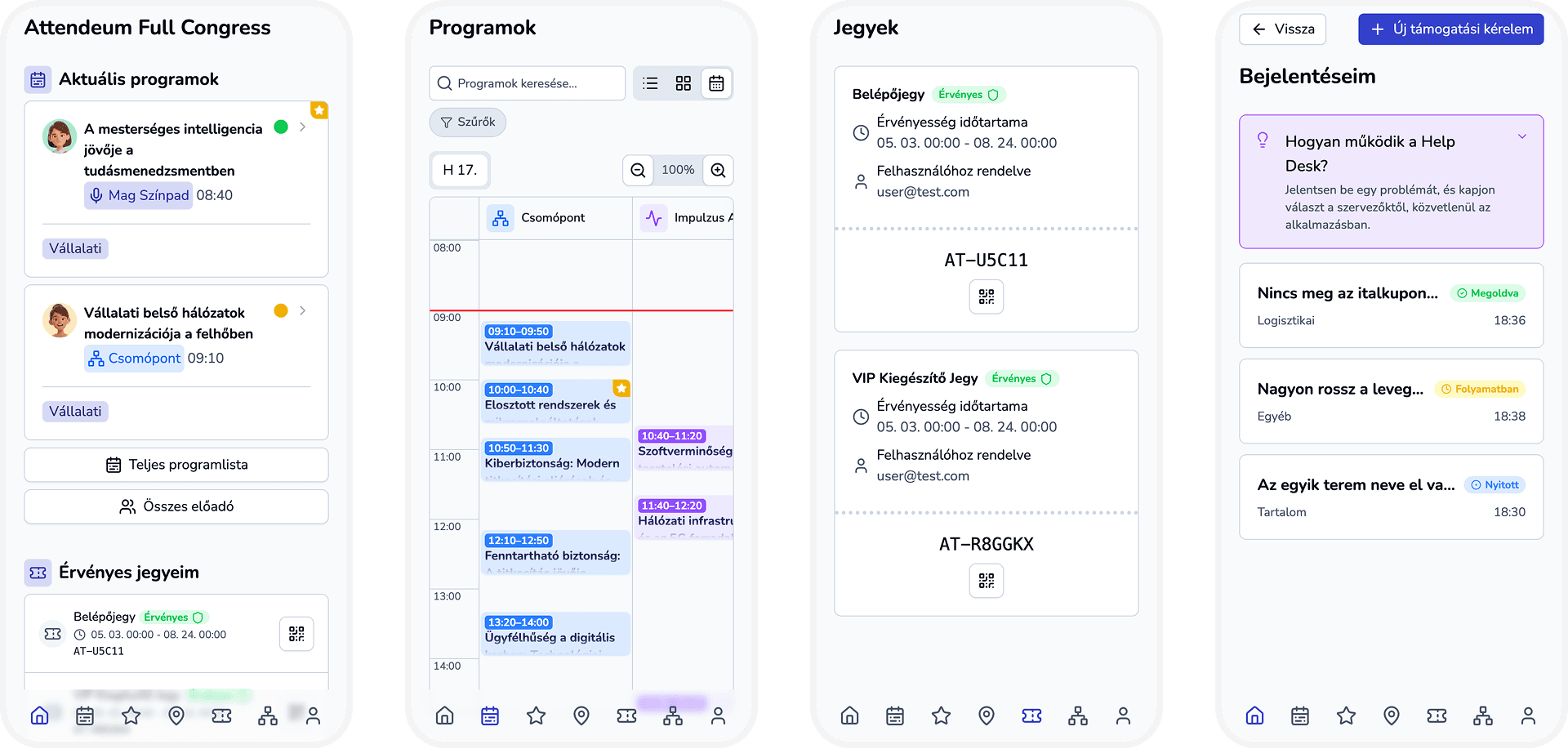
Why attendees keep asking where the session is
Lost between rooms
Attendees walk the venue looking for the right room.
Program and room apart
The agenda is in one place and the room is in another.
Late changes
A delayed session leaves people waiting in the wrong corridor.
One link answers: where is the session?
Venue map — Program and room on one link — Attendees open the web app in the browser. The Map screen offers a floor plans view, and the Programs screen can group sessions by venue.
Floor plans view
Attendees switch to floor plans on the Map screen.
Sessions by venue
The Programs screen groups sessions by venue.
Venue view with directions
With a map venue set, attendees get Google Maps, Apple Maps and Waze links.
What changes for your team
No download
Attendees open the web app in the browser.
Delays shown
Set a session delay and attendees see the slip.
Push updates
Send program updates to everyone or only to favorites.
Features for multi-room events
Three program views
Choose List, Grouped by venue or Calendar.
Overlaps in columns
Calendar view shows overlapping sessions in separate columns.
Hide past sessions
One switch removes sessions that already happened.
Ordered venue list
Drag venues into order and give each one an icon.
Pick the venue on a map
Search fills in the venue name and saves the coordinates.
Choose the first view
Open the Map screen on Venue instead of Floor plans.
From setup to the first answered question
- 1
Set the venue
Pick the venue on a map when you create the event.
- 2
Add venues and sessions
Create venues, then choose one for each session.
- 3
Share the link
Attendees open the web app in the browser, no download.
- 4
Update live
Adjust delays and send push updates when the program moves.
FAQ
Do attendees need to download anything?
No. The attendee web app opens in the browser, so there is no App Store or Play Store step.
How do attendees find their room?
The Programs screen can group sessions by venue. The Map screen also has a floor plans view.
Can attendees get directions to the venue?
Yes, if the event has a map venue. The Venue view then shows Google Maps, Apple Maps and Waze links and a button to copy the address.
Can I choose which view opens first?
Yes. You can set the Map screen to open on the Venue view instead of Floor plans.
Show attendees the way
See the venue map and program views in a demo, or ask for a quote for a pilot event.